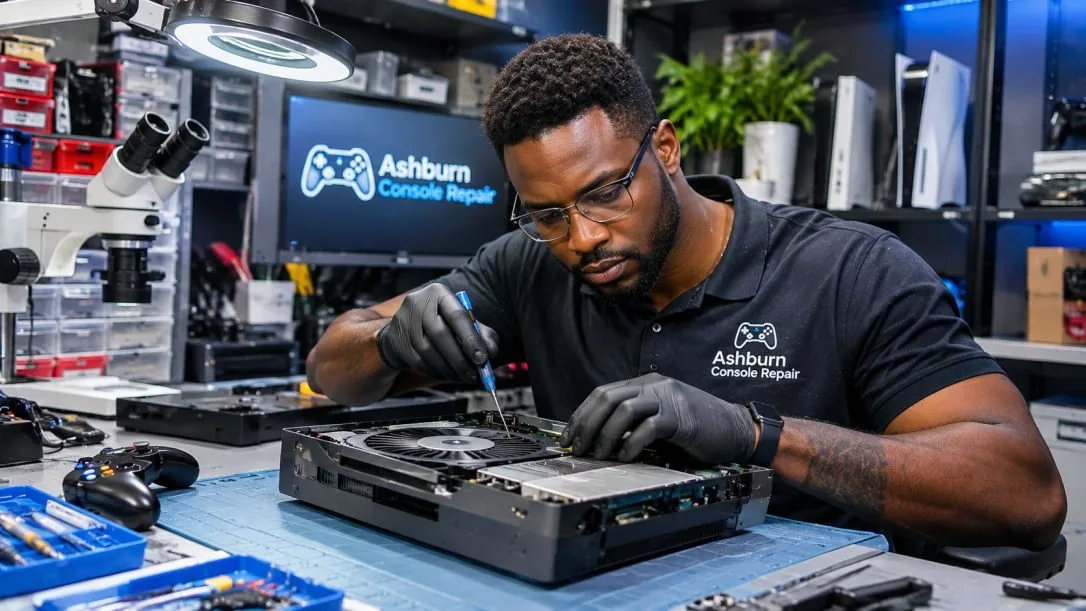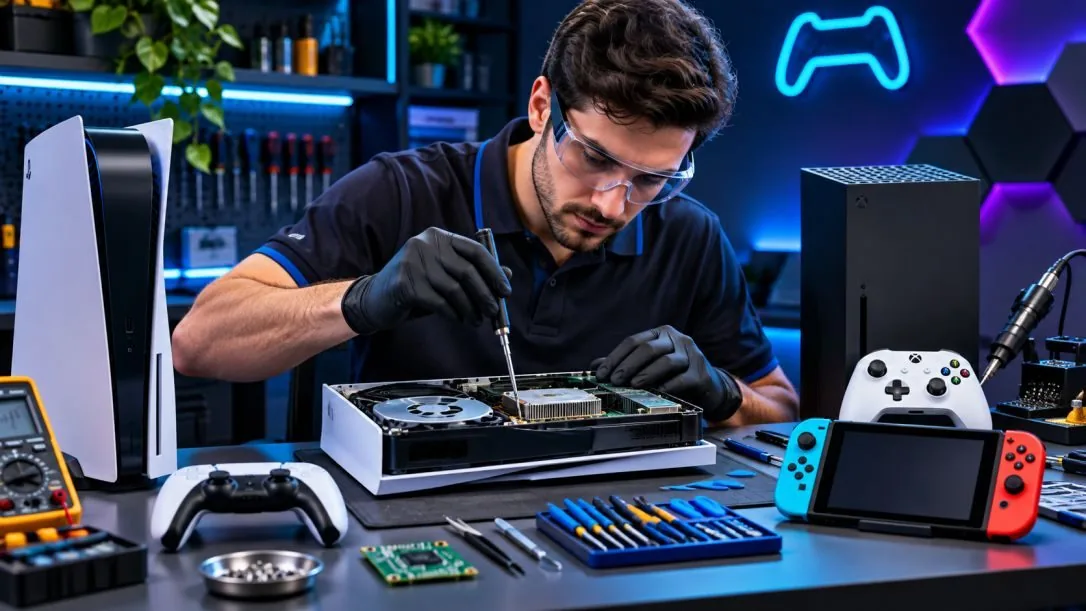
Gaming Console Cooling Service
Console Overheating and Fan Service in Ashburn
Running hot or shutting down? Tell us what happens. Get a Free Estimate
Gaming Console Cooling Service
Running hot or shutting down? Tell us what happens. Get a Free Estimate
Gaming consoles generate heat while running demanding games. Their cooling systems are designed to move that heat away from important components. When airflow becomes restricted or a cooling component stops working correctly, the console may become unusually loud, display temperature warnings, or shut down.
Ashburn Console Repair helps identify cooling problems affecting compatible gaming systems. We look at the symptoms, operating conditions, fan behavior, and possible internal causes before discussing the appropriate service.
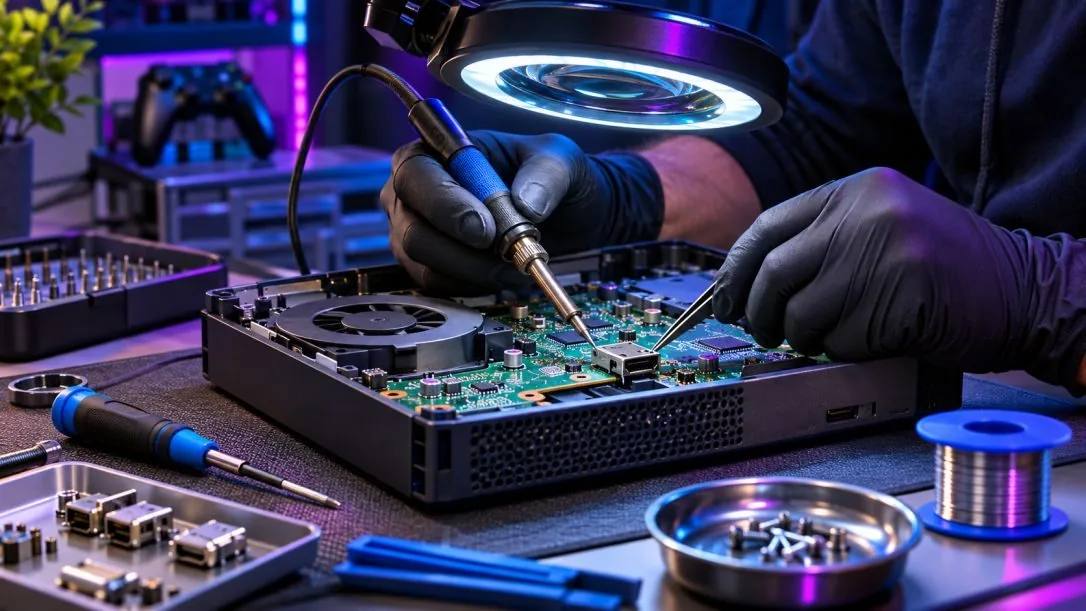
Not every warm console has a cooling problem. However, repeated temperature warnings, abrupt shutdowns, and unusual fan behavior deserve attention. Identifying the cause is important because cleaning alone will not correct every thermal fault.
Dust can accumulate around vents, fans, and heatsinks. Over time, this buildup may restrict airflow and make it harder for the cooling system to move heat away from internal components. The service approach depends on the console design and the amount of buildup. Internal cleaning may help restore airflow when dust is the primary cause, but other cooling faults must be considered if the problem continues.
A fan that rattles, grinds, stalls, or runs abnormally can indicate wear, obstruction, or a control problem. Some consoles naturally increase fan speed during demanding games, so noise alone does not prove a defect. We consider the sound, operating behavior, and temperature symptoms. If the fan is defective, replacement with a compatible part may be appropriate.
Consoles use thermal materials to transfer heat between processors and cooling assemblies. Problems with these materials or the contact between components can contribute to poor cooling. Thermal service must follow the requirements of the particular console model. Some systems use specialized materials that require careful handling, and unnecessary disassembly can create additional risks.
A console that shuts off after a period of gameplay may be overheating, but power supply and other hardware faults can produce similar symptoms. The timing and circumstances of the shutdown provide useful clues. We examine whether the failure is consistent with thermal protection or another problem. This helps avoid treating a power issue as a cooling problem.
We consider ventilation, fan behavior, and when shutdowns occur instead of assuming every warm console needs cleaning.
Different gaming systems use different cooling designs and thermal materials. The service approach should reflect those differences.
If cleaning is unlikely to resolve the issue, we explain what additional diagnostics may be necessary.
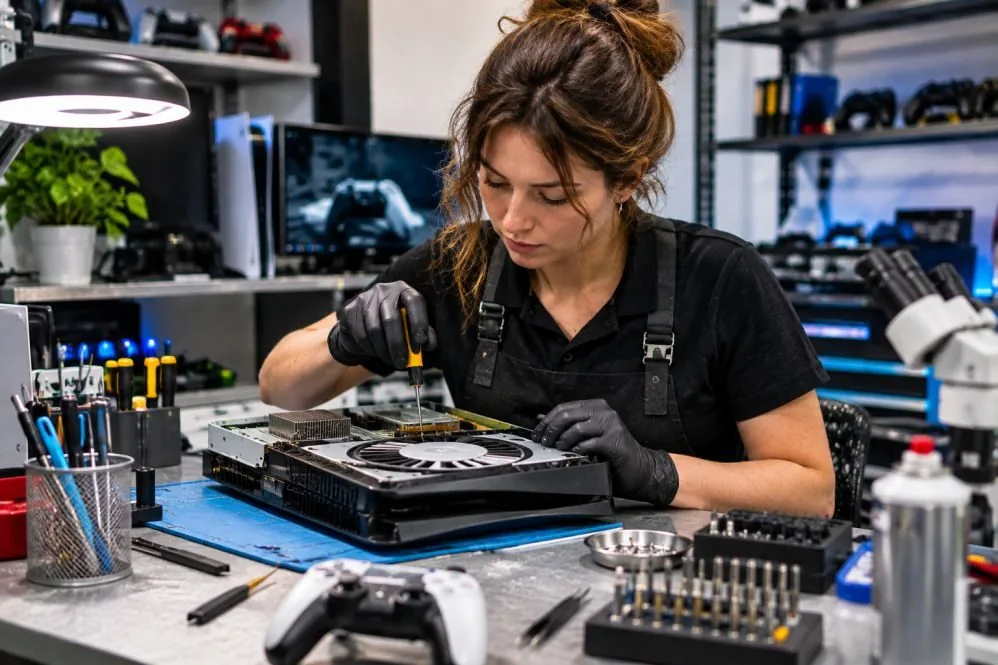
Tell us whether your console is loud, hot, or shutting down. We can discuss the next step.
Free — no obligations
Discuss temperature warnings, fan noise, shutdown timing, and where the console is positioned.
Consider airflow restrictions, fan operation, and other possible causes.
Determine whether cleaning, fan replacement, or additional investigation is needed.
After applicable service, assess fan operation and system behavior under suitable conditions.